InboxPilot

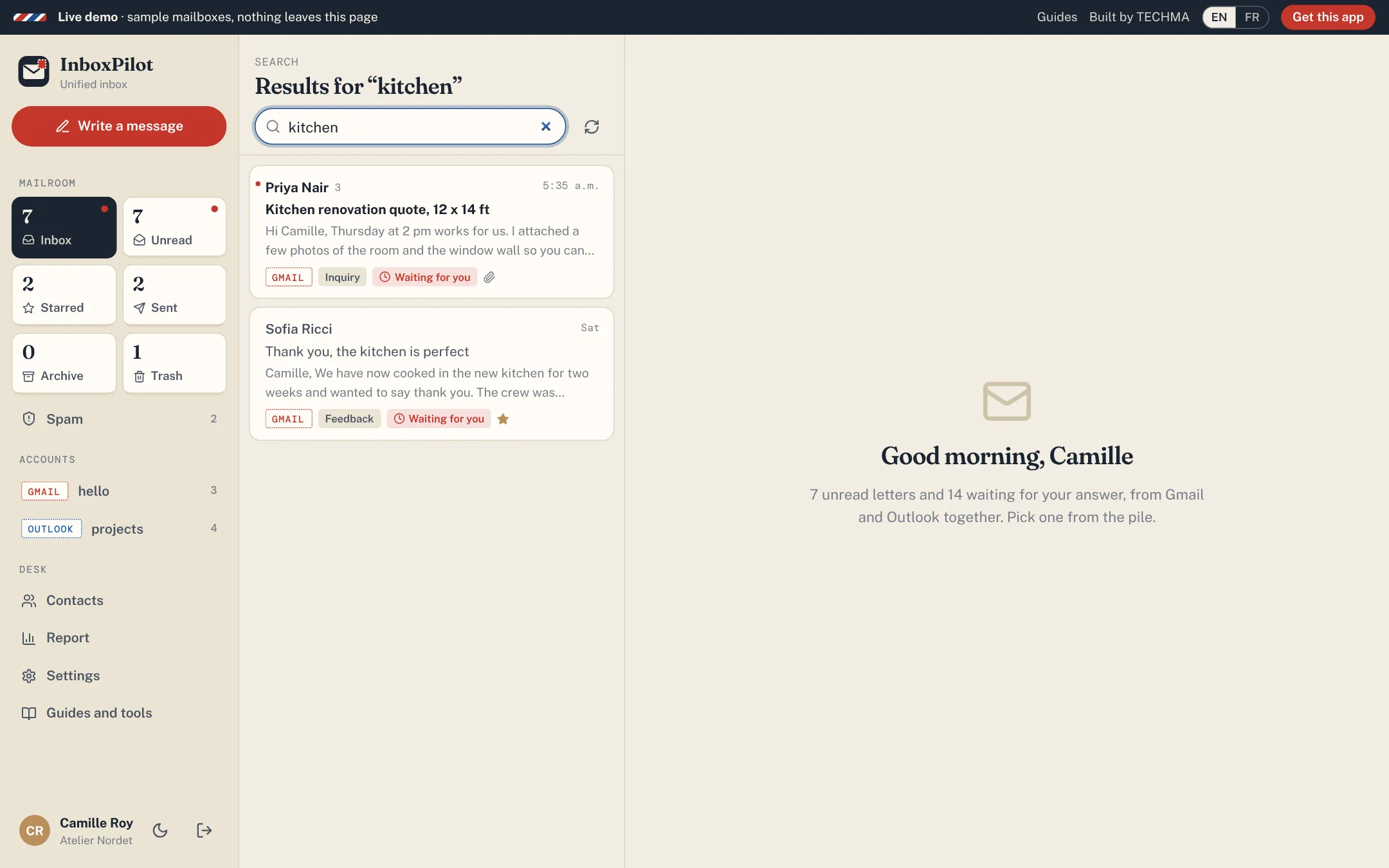
InboxPilot/Features/Search both mailboxes

One search, both mailboxes

Type a name, a word or a file name and the results come from both accounts, newest and closest first.

One click, no account, no email address asked. The mailboxes are samples, and nothing you send leaves the page.

Search both mailboxesinboxpilot.techma.ai
Search results in InboxPilot from Gmail and Outlook for one word

What it looks through

  • Subjects and message text
  • Sender names and addresses
  • Attachment names
  • Summaries already written

Search by meaning in your version

The full application can search by meaning: a search for “tiles” also finds the email about grout and ceramic samples. The demo searches by words.

Questions

Asked before the first call

Does it search spam and trash?

No. Search covers the inbox, sent mail and the archive, which is where you look for real conversations.

Live demo

Sort a real-looking inbox in two minutes.

InboxPilot is a working application, not a mock-up. Open a conversation, ask the assistant what it wants, draft a reply, send it, and watch the report change.