On request, where you read
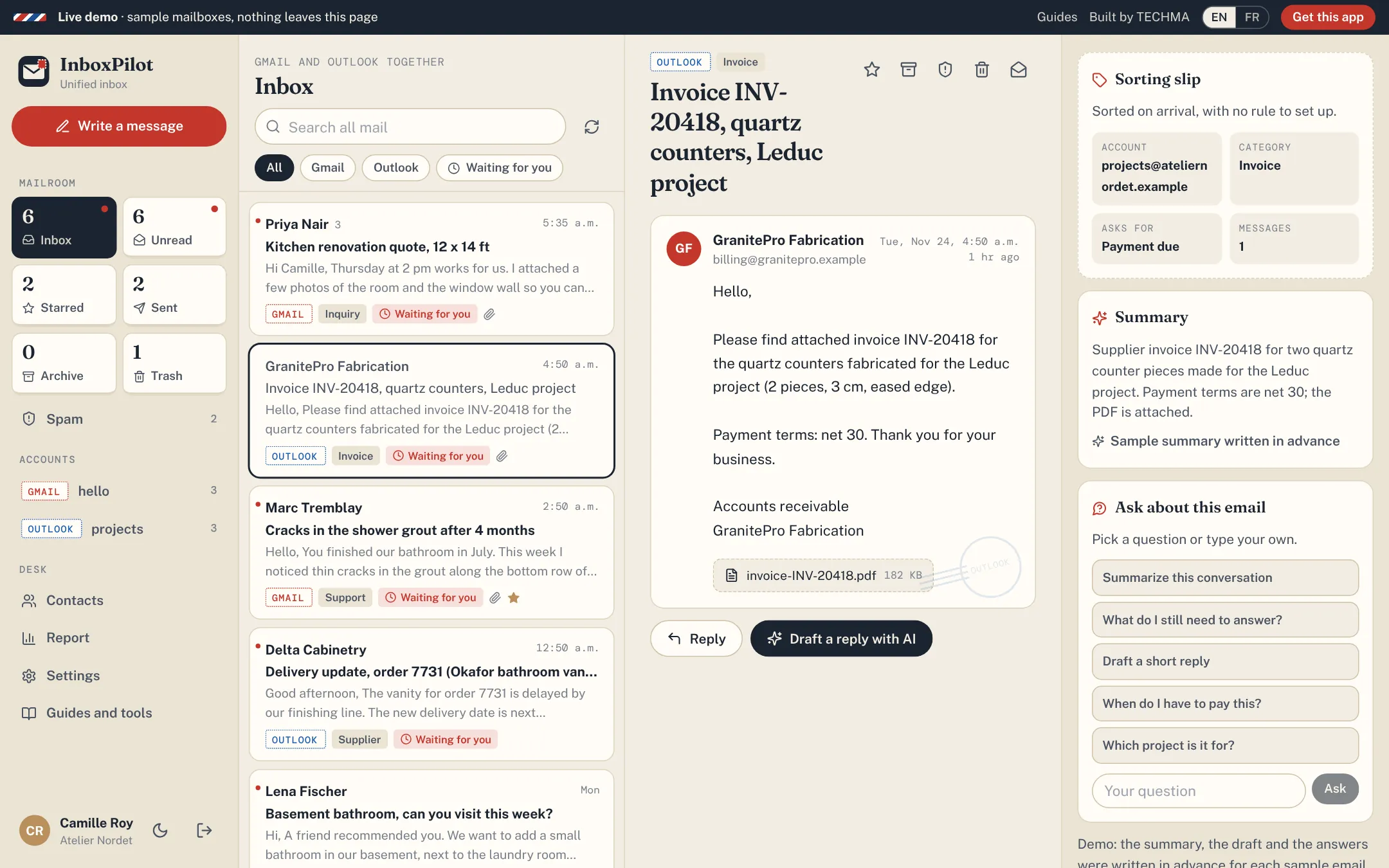
The summary sits in the assistant panel next to the conversation. Press Summarize and it appears in a moment; it stays there for the next time you open the conversation.
Written your way
Settings holds the instructions for summaries, in plain words. The sample studio asks for two sentences that name the client, the project and the next step. Yours could ask for a list, an amount, a deadline.
When summaries help most
- Long threads with several people in copy
- A conversation you have not opened in a week
- An email in a language you read slowly
- Mail you hand over to someone else
Honest in the demo
In the demo, each sample email has a summary written in advance and marked as such. For a message you write during your visit, the demo says there is no sample summary instead of making one up.