InboxPilot

InboxPilot/Features/Sorting on arrival

Sorted before you open it

Every email gets a category and a short label for what it asks of you. You see at a glance what is a quote request, a supplier delay or a newsletter.

One click, no account, no email address asked. The mailboxes are samples, and nothing you send leaves the page.

Sorting on arrivalinboxpilot.techma.ai
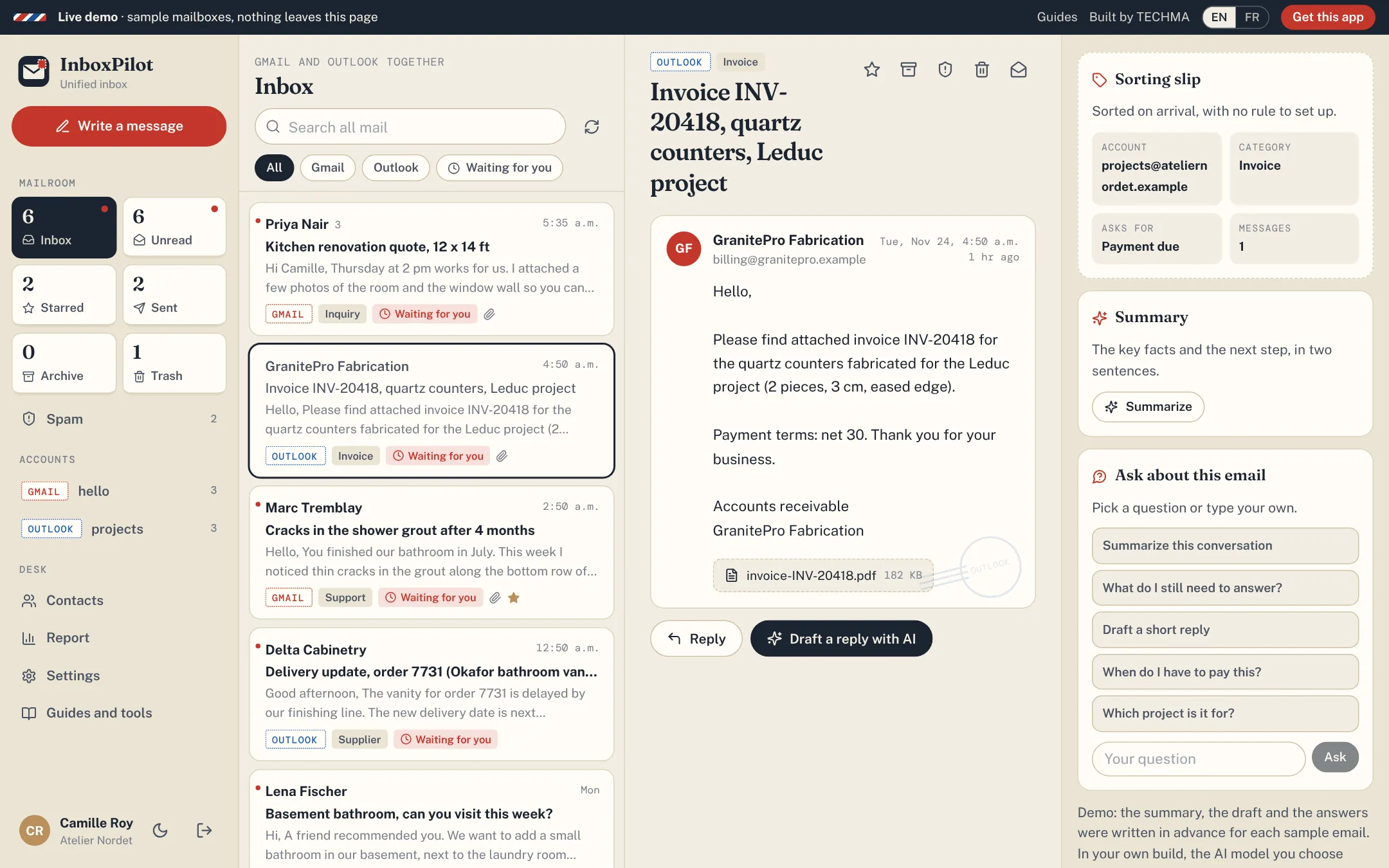
The sorting slip of a conversation in InboxPilot with account, category, what it asks for and message count

A sorting slip on every conversation

Open a conversation and the slip beside it says which account it came to, its category, what it asks for and how many messages it holds. The category also shows on the conversation in the list.

Categories that follow the business

  • Project, Inquiry and Support for clients
  • Invoice and Supplier for what you buy
  • Admin, Team and Hiring for the rest of the work
  • Newsletter and Spam for what can wait or go

These are the categories of the sample renovation studio. A version built for you uses the categories of your business.

What the email asks for

A second label names the request: a quote, a visit to schedule, a document, a payment due, a change, a complaint. Emails that need no answer, such as a payment receipt or a promotion, are not counted as waiting for you.

No rule to write

Mail rules and filters break when a sender changes address or writes about something new. The assistant reads the email itself, so a new client is sorted like an old one.

Questions

Asked before the first call

Can I correct a category?

In the demo, categories are set in the sample data. In a version for you, a correction can be saved and used for the next emails from that sender.

Does sorting send my mail to an AI company?

In your own version, the email text is sent to the AI model you choose, under that provider's business terms. TECHMA helps you pick a provider and region that fit your privacy needs.

Live demo

Sort a real-looking inbox in two minutes.

InboxPilot is a working application, not a mock-up. Open a conversation, ask the assistant what it wants, draft a reply, send it, and watch the report change.